
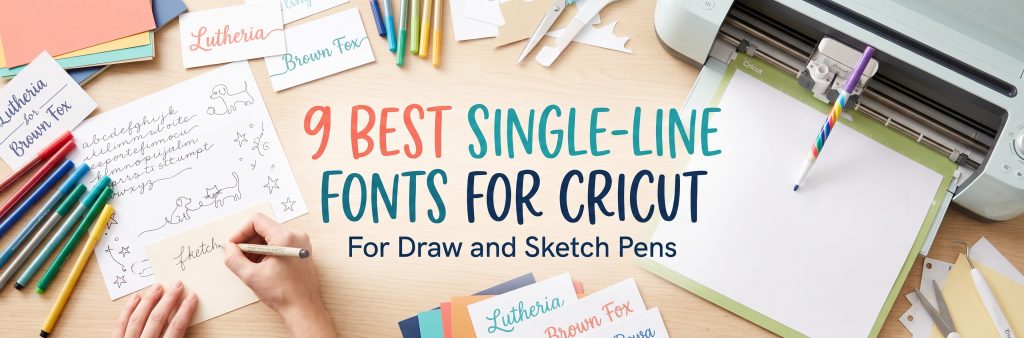
A regular font is made of outlines. When a Cricut pen draws it, the pen traces around every letter, so you get hollow letters and sometimes doubled lines. A single-line font is different: each letter is one stroke, so the pen draws it once, the way you would write it by hand.
* Some links in this article are affiliate links. If you buy through them, I may earn a small commission at no extra cost to you.
That is why single-line fonts are popular for Cricut Draw and Sketch pens, foil, and engraving. I went through Creative Fabrica for fonts that say they are single-line and picked nine. I have not tested these with a machine, so I am going by the listings. Read each one before you buy.
1. Barleto Font
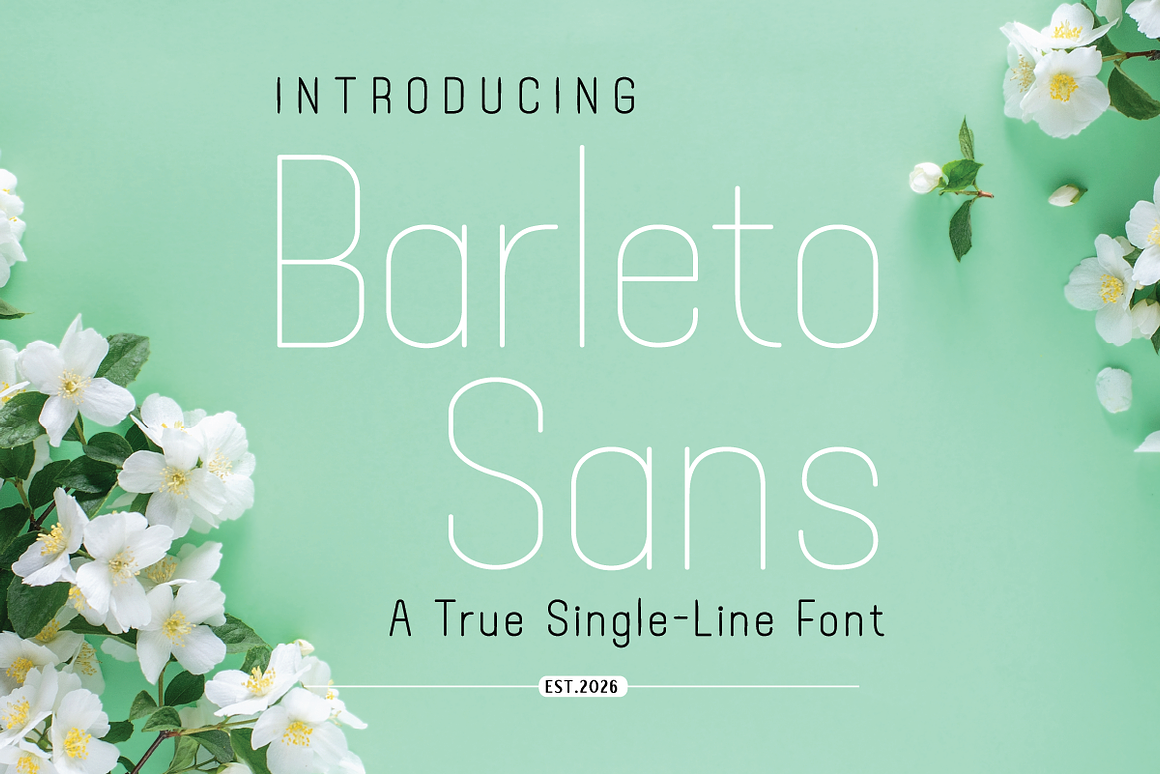
A clean, tall sans-serif with rounded ends and open letter shapes. The listing calls it a true single-line font made for pen plotters, foil tools and cutting machines, so the pen draws one stroke per letter instead of tracing an outline. If you want a modern, tidy look for labels or planner pages, this is a good place to start.
2. Lutheria Font
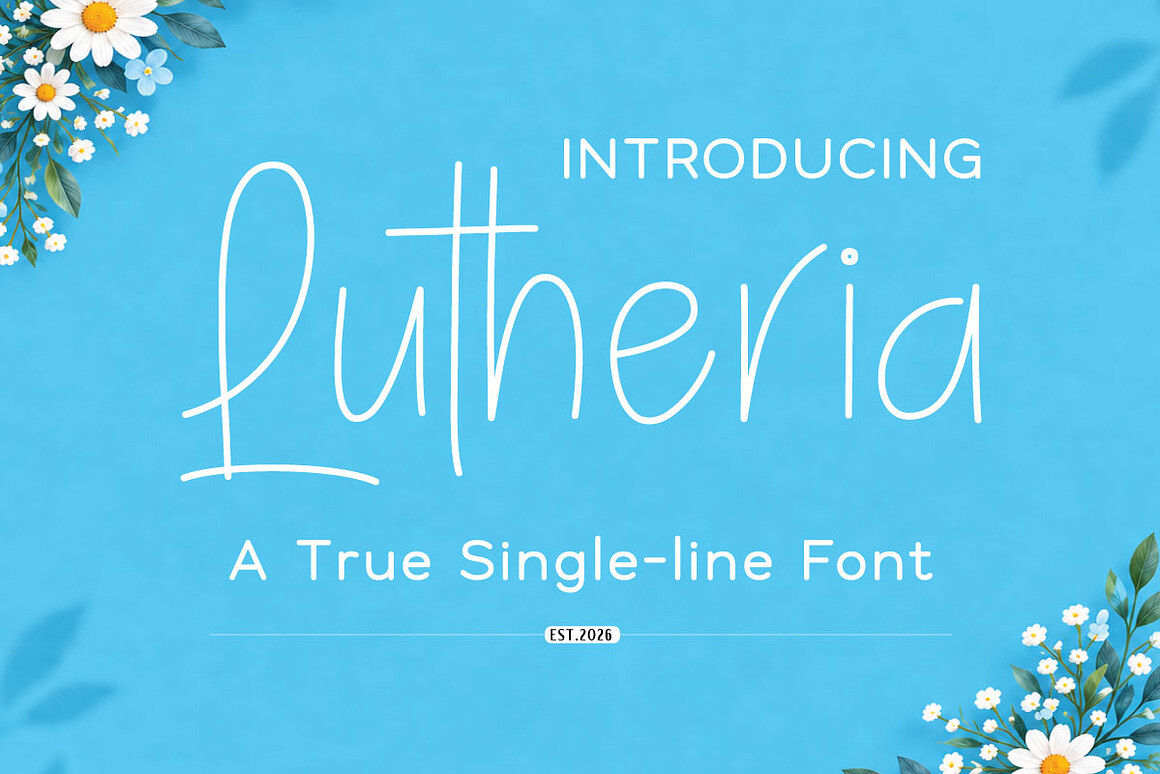
A handwritten single-line script with looped capitals and long, sweeping tails. According to the listing it is built for foil pressing, engraving and plotters, which is where a one-stroke script makes the most sense. It is the one I would pick for names and short quotes. The listing talks about plotters and foil more than Cricut, so check that it suits your machine before you buy.
3. Brown Fox Lazy Dog Font

A thin, minimal sketch font. The listing says it is made for cutting and drawing machines and mentions Cricut Draw and Sketch, Silhouette sketch pens and other plotters that need a real single-stroke design. Simple and light, so it works for notes, labels and small text.
4. Feasibly Font

An elegant single-line font that the listing recommends for invitations, business cards, logos and quotes. When I looked, it was part of the free fonts collection on Creative Fabrica, so check whether it is still free before you decide.
5. Picky Story Font

A playful monoline font that reads as cute and casual. It suits kids’ projects, greeting cards and light-hearted quotes. Less formal than the first few, and that is the point.
6. Gloomy Unseen Font

A neat, casual single-line font for crafts and greeting cards. The listing has a short note on how it should be used, so read that before you start.
7. Quickly Replaced Font

A simple, sweet single-line font. The listing mentions packaging, branding and magazines. A safe, friendly choice when you do not want the lettering to shout.
8. Kinder Senior Font

A mix of vintage charm and a playful look, with a ligature feature and single-line construction. It has more personality than the others on this list, so I would use it for short titles rather than long text.
9. Cat and Dog Line Drawing Font
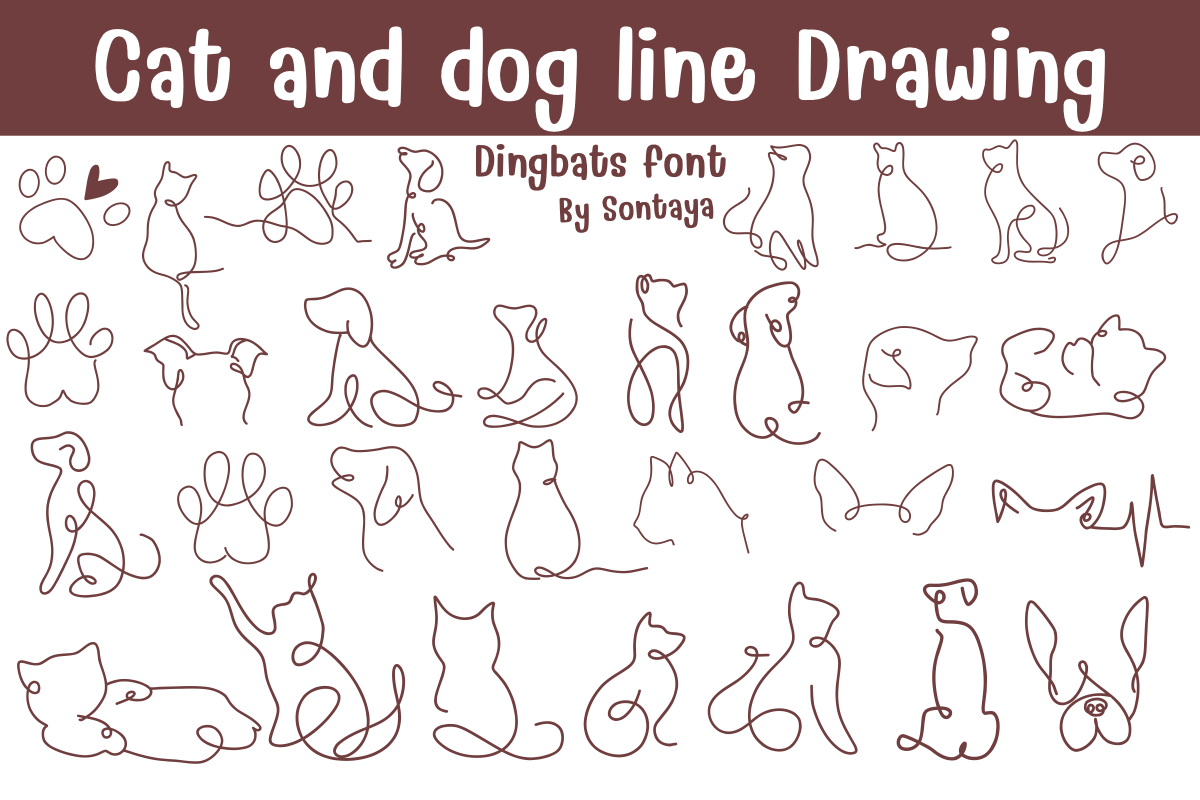
This one is a dingbat font: you type letters and get pet drawings, drawn in one continuous line. The listing mentions puppies, cats, resting poses and paw prints. Not a font for words, but a fun extra for pet-themed gifts and cards.
How to use a single-line font with Cricut
Type your text in Design Space, then set the layer to Draw instead of Cut. Attach it to the shape or the card you want it on, so the pen stays where you placed it. Try a small test on scrap paper first, because pen pressure and speed change how thin the line looks.
Check before you buy
Look at the license on each listing, especially if you plan to sell what you make. If you want more script options for Cricut, I also have a list of 25 script fonts for Cricut.