

Tutorials and Tools for Modern Designers
Step-by-step tutorials for Cricut Design Space and Canva: how to add fonts, use Creative Fabrica assets in your designs, choose lettering for signs and sell printable planners.
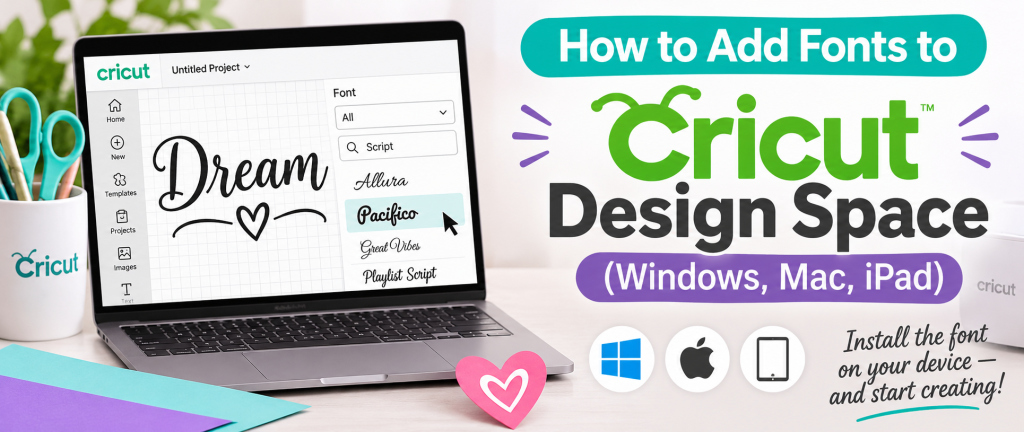
Short answer: you don’t upload fonts to Design Space. Instead, you install the font on your computer or tablet, and Design Space reads it from there.
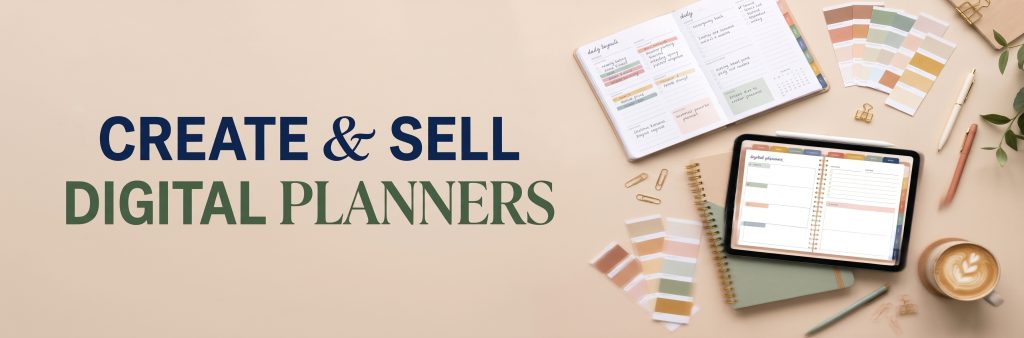
Printable planners are the kind of product I like best: you make them once and they keep selling.
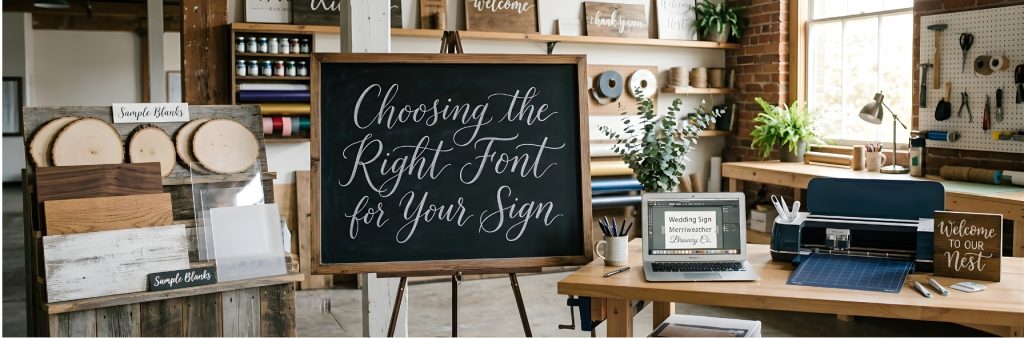
Selecting the perfect typeface for a sign can feel overwhelming given the sheer number of options available.

Combining Creative Fabrica resources with Canva’s intuitive tools allows you to create unique, high-quality designs for a wide range of purposes, from